
Aadhaar PAN Link Status Check Online 2026 – Complete Guide
Summary
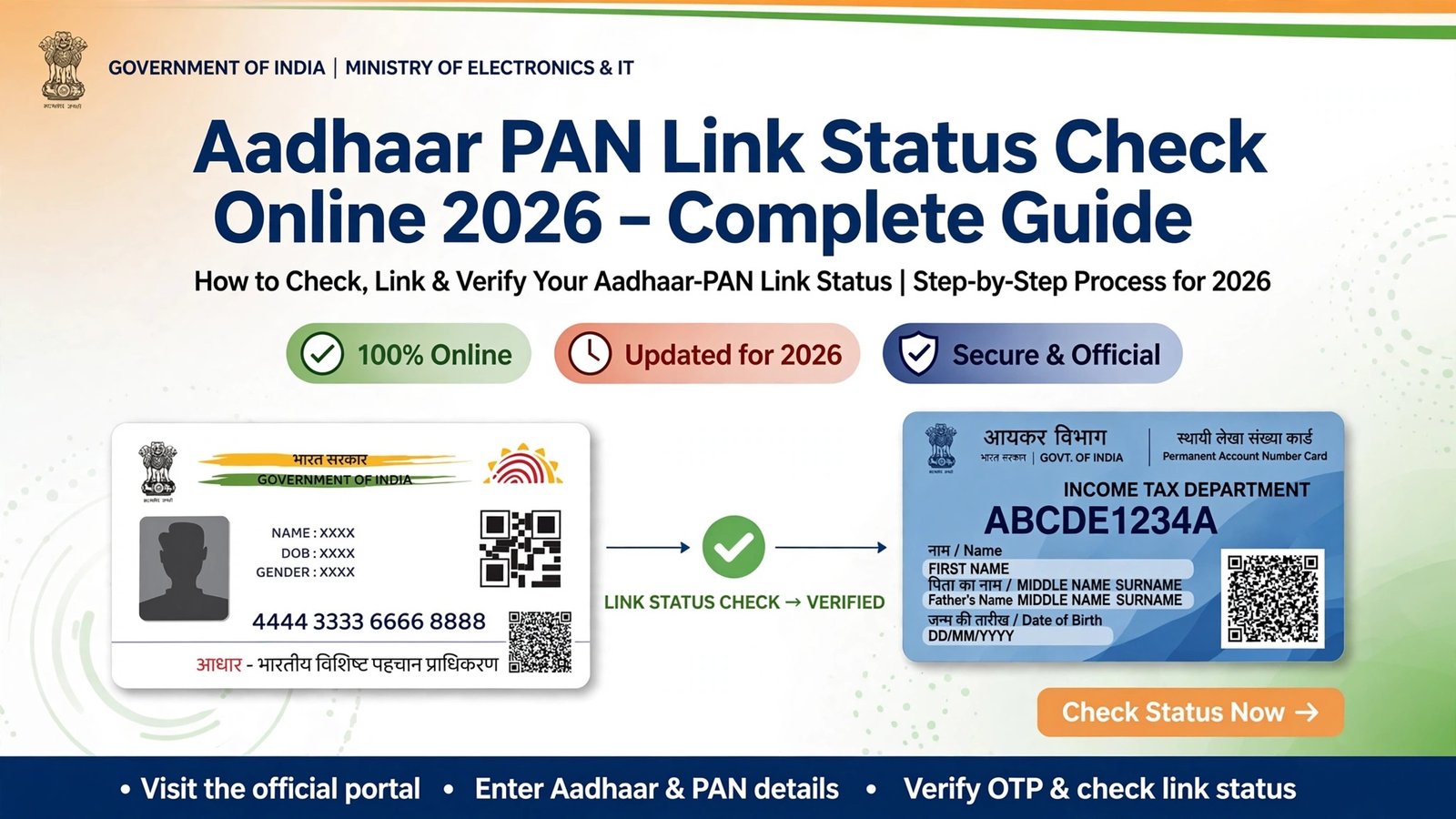
Check Aadhaar PAN Link Status online in 2026. Learn how to check PAN-Aadhaar link status, link PAN with Aadhaar and fix common linking errors. image credit-meta ai
Want to know whether your PAN card is linked with Aadhaar? You can check your Aadhaar PAN Link Status online through the Income Tax e-Filing portal.
In this guide, you will learn how to check Aadhaar PAN Link Status online, how to link PAN with Aadhaar, what to do if your PAN-Aadhaar linking fails, and what an inoperative PAN means.
What Is Aadhaar PAN Link Status?
Aadhaar PAN Link Status tells you whether your Permanent Account Number (PAN) has been successfully linked with your Aadhaar number.
If you are required to link Aadhaar with PAN, checking the status is important because an unlinked PAN can become inoperative under applicable income-tax rules.
How to Check Aadhaar PAN Link Status Online
You can check your PAN Aadhaar Link Status through the Income Tax e-Filing portal.
Steps to Check Aadhaar PAN Link Status
- Visit the official Income Tax e-Filing portal.
- Open the Quick Links section.
- Click on Link Aadhaar Status.
- Enter your PAN number.
- Enter your Aadhaar number.
- Click the option to check the status.
- Your current Aadhaar-PAN linking status will appear on the screen.
You do not normally need to log in just to check the Aadhaar-PAN linking status through the pre-login service.
How to Check PAN Aadhaar Link Status Without Login?
If you only want to know whether your PAN and Aadhaar are linked, you can use the pre-login Link Aadhaar Status service.
The basic process is:
Income Tax Portal → Quick Links → Link Aadhaar Status → Enter PAN → Enter Aadhaar → Check Status
What Does Aadhaar PAN Link Status Mean?
PAN and Aadhaar Are Linked
If the portal confirms that your PAN and Aadhaar are linked, your linking process has been successfully completed.
You normally do not need to submit another linking request unless the Income Tax Department asks you to take further action.
PAN and Aadhaar Are Not Linked
If the status shows that your PAN and Aadhaar are not linked, you may need to use the Link Aadhaar service on the Income Tax e-Filing portal.
Linking Request Is Pending
If your request is pending for validation, wait for the process to complete and check your Aadhaar PAN Link Status again later.
How to Link PAN With Aadhaar Online
If your PAN Aadhaar Link Status shows that your PAN is not linked with Aadhaar, you can submit a linking request through the Income Tax e-Filing portal.
Steps to Link PAN With Aadhaar
- Open the official Income Tax e-Filing portal.
- Go to Quick Links.
- Select Link Aadhaar.
- Enter your PAN number.
- Enter your Aadhaar number.
- Follow the instructions shown on the website.
- Complete the required verification.
- If a fee is applicable, complete the payment process.
- Submit the linking request.
- Check the Aadhaar PAN Link Status again after processing.
Is Aadhaar PAN Link Status Check Free?
Checking your Aadhaar PAN Link Status is different from submitting a new PAN-Aadhaar linking request.
The status-check service allows you to see whether your PAN and Aadhaar are linked. If you need to make an applicable inoperative PAN operative, the prescribed fee and applicable rules should be checked on the official Income Tax e-Filing portal before making any payment.
What Happens If PAN Is Not Linked With Aadhaar?
For individuals who are required to link Aadhaar with PAN, failure to complete the linkage can result in the PAN becoming inoperative.
An inoperative PAN can have tax-related consequences under applicable rules, including issues relating to certain income-tax refunds and higher TDS or TCS rates in specified circumstances.
Therefore, if your Aadhaar PAN Link Status shows that your PAN is not linked, check the official Income Tax Department requirements and complete the applicable process.
Why Is My PAN Aadhaar Linking Failing?
One common reason for PAN-Aadhaar linking failure is a mismatch between information recorded in PAN and Aadhaar databases.
Check the following details:
- Full name
- Date of birth
- Gender
- PAN number
- Aadhaar number
If the information does not match, correct the relevant details through the appropriate official service and then try the linking process again.
PAN Aadhaar Linking Failed Due to Name Mismatch
A name mismatch between PAN and Aadhaar can cause problems during authentication.
Check whether there are differences in spelling, initials, name order or missing parts of the name.
If your details are incorrect in one of the records, update the incorrect information through the appropriate official process before trying to link PAN with Aadhaar again.
PAN Aadhaar Linking Failed Due to Date of Birth Mismatch
Date of birth is another important detail used during PAN-Aadhaar validation.
If the date of birth recorded on PAN and Aadhaar is different, correct the incorrect record first and then attempt the linking process again.
What If PAN Aadhaar Linking Still Fails?
If your PAN and Aadhaar details appear correct but online linking still fails, follow the error-resolution instructions provided by the Income Tax Department.
In certain cases, additional authentication or assistance through designated PAN service providers may be required.
Who Is Exempt From Aadhaar-PAN Linking?
The Aadhaar-PAN linking requirement does not apply to certain categories of individuals under applicable provisions.
These may include:
- Residents of Assam, Jammu and Kashmir or Meghalaya.
- Non-residents under the Income-tax Act.
- Individuals aged 80 years or more during the relevant previous year.
- Individuals who are not citizens of India.
Exemptions are subject to applicable government notifications and rules. Always verify the latest requirements from the Income Tax Department.
What Details Are Required?
Keep the following details available when using Aadhaar-PAN services:
- Valid PAN number
- Aadhaar number
- Mobile number when required for verification
Security tip: Never share your Aadhaar OTP, PAN details or other sensitive information with unknown persons.
Aadhaar PAN Link Status – Quick Guide
| Information | Details |
|---|---|
| Status Check | Available online |
| Service | Link Aadhaar Status |
| Portal | Income Tax e-Filing Portal |
| Details Required | PAN and Aadhaar |
| Login Required | Pre-login status checking is available |
| If PAN Is Not Linked | Use the Link Aadhaar service |
| Common Problem | Name or date-of-birth mismatch |
Conclusion
Checking your Aadhaar PAN Link Status is a simple way to confirm whether your PAN and Aadhaar are successfully linked.
You can check the status online through the Income Tax e-Filing portal using the Link Aadhaar Status service. If your PAN and Aadhaar are not linked, use the official Link Aadhaar service and complete the applicable process.
If your linking request fails, first check for differences in your name, date of birth and other personal details. For the latest rules, fees and procedures, always rely on the official Income Tax Department portal.
Official Website: incometax.gov.in
Related services _ Gst Calculator
Frequently asked questions
Is checking the Aadhaar PAN link status free?
Yes. Checking the status on the Income Tax portal is free and needs no login. Only the linking request itself may carry a fee in some cases.
What happens if PAN stays inoperative?
An inoperative PAN can hold up income tax refunds, cause higher TDS deduction and fail KYC checks at banks and mutual funds until it is linked again.
Spotted something out of date? Tell us and we will re-check the source. Report a correction