
Nivesh Mitra 3.0 2026: How to Apply for UP Business Approvals
Summary
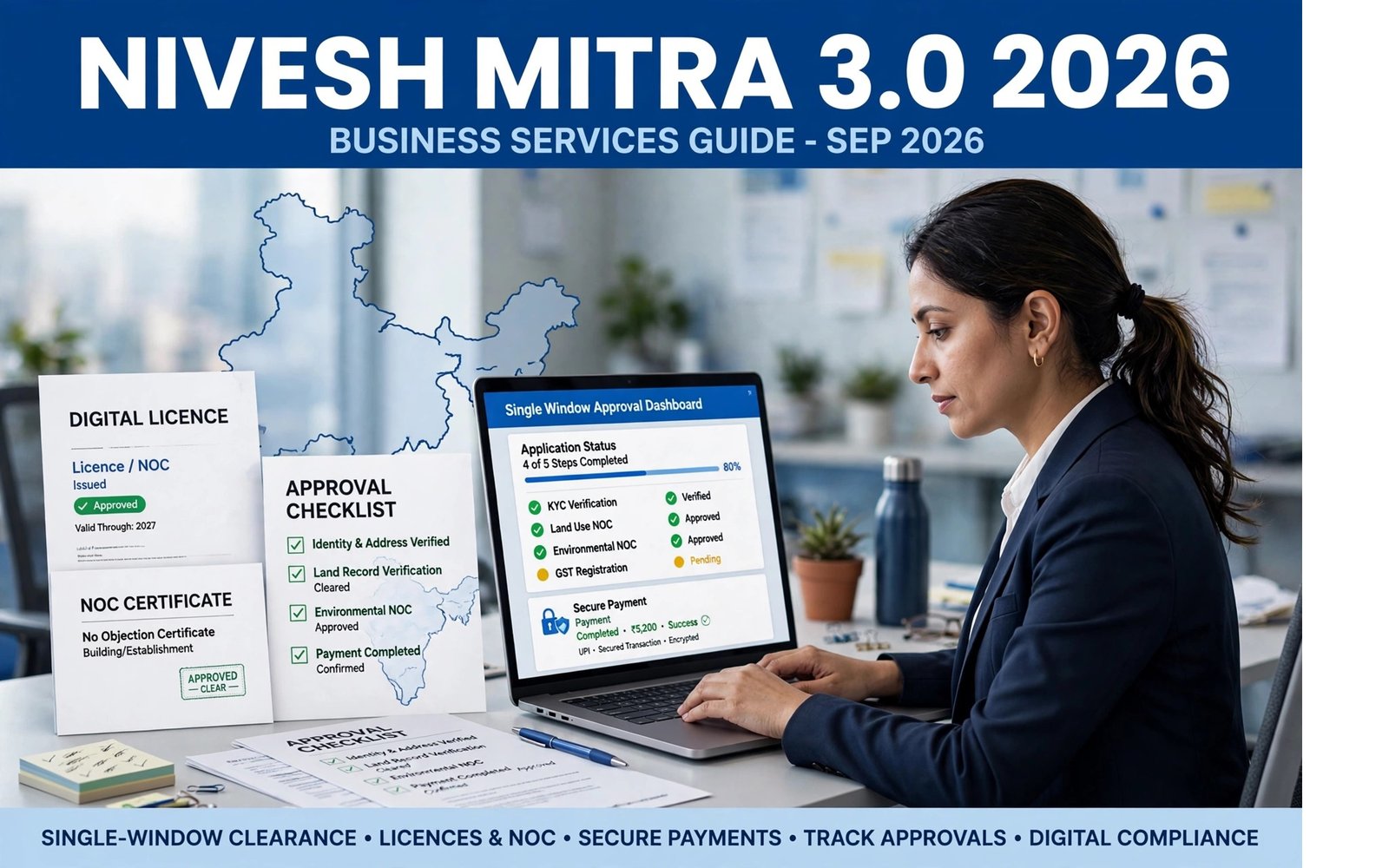
Nivesh Mitra 3.0 is Uttar Pradesh’s upgraded single-window portal for business licences, NOCs and government approvals. This guide explains the current 3.0 workflow, what to do when a service is not yet available, how existing 2.0 applications are handled, and how businesses can check approvals before applying.
Nivesh Mitra 3.0 is the current upgraded single-window system of the Government of Uttar Pradesh for businesses seeking government approvals, licences, NOCs and related regulatory services. The portal is designed to bring multiple approval processes into one digital system rather than requiring an investor or entrepreneur to approach every department separately.
There is one particularly important update for businesses using the portal in 2026: not every service has necessarily moved to Nivesh Mitra 3.0 yet. The official portal currently tells applicants that if their required service is not available on 3.0, they should use Nivesh Mitra 2.0. It also confirms that applications already submitted through 2.0 can still be used for status tracking, replying to queries and making fee payments.
That makes the current process different from simply assuming that “Nivesh Mitra 3.0 has replaced 2.0 completely.”
This guide explains what businesses should do today.
What is Nivesh Mitra 3.0?
Nivesh Mitra 3.0 is Uttar Pradesh's next-generation single-window clearance platform for businesses and investors.
The official portal describes Nivesh Mitra as a system for obtaining licences, NOCs and business approvals. Its current workflow includes:
- Know your approvals.
- Check the comprehensive list of approvals.
- Register and activate an account.
- Complete the Common Application Form.
- Apply for the required NOC or licence.
- Pay the applicable consolidated fee.
- Download the issued certificate.
The system covers regulatory interactions involved in establishing and operating businesses in Uttar Pradesh.
The government launched Nivesh Mitra 3.0 on March 24, 2026. The official launch material describes it as an upgraded single-window platform intended to make approval processes faster, more transparent and more user-friendly.
Why Nivesh Mitra 3.0 matters in 2026
The biggest practical benefit is consolidation.
A business may require approvals involving different departments depending on its activity, location, construction, utilities, labour requirements, environmental obligations and other regulatory conditions.
Instead of beginning with a separate search for every department, Nivesh Mitra provides a central route for identifying and applying for applicable approvals.
The current official portal highlights features including:
- Single-window access to multiple approvals
- Online application processing
- Common Application Form
- Consolidated fee payment
- Digital document submission and verification
- Real-time application tracking
- Notifications and updates
- GIS-based land-bank information
- Approval and incentive discovery
The 2026 launch material also describes a more technology-driven platform, including an AI-powered chatbot, real-time SMS updates, a dynamic Combined Application Form and end-to-end tracking.
The most important Nivesh Mitra 3.0 update: 2.0 is still relevant
This is the point businesses should understand before starting an application.
The official Nivesh Mitra 3.0 homepage currently displays an explicit notice:
- If the required service is not available on Nivesh Mitra 3.0, use Nivesh Mitra 2.0.
- Applications already submitted in Nivesh Mitra 2.0 remain usable for status updates.
- Existing 2.0 applications can also be used to reply to queries.
- Existing 2.0 applications can be used for applicable fee payments.
Therefore, an entrepreneur should not create a second application in 3.0 simply because the older application was originally filed through 2.0.
First determine whether the service is available in 3.0 and whether your application already exists in the older system.
Duplicate applications can create unnecessary confusion.
How to check whether your service is available in Nivesh Mitra 3.0
The current portal provides a Services Live List.
The Nivesh Mitra 3.0 homepage directly links to the live-services list, allowing applicants to determine which services are currently available through the new platform.
The safest approach is:
- Open the official Nivesh Mitra 3.0 portal.
- Go to the Services section.
- Open the Services Live List.
- Search for the approval, licence or NOC you need.
- Confirm whether the service is live on 3.0.
- If it is not available, follow the official instruction to use Nivesh Mitra 2.0.
Do not assume that a service belongs on 3.0 merely because an older article, YouTube video or private website says so.
The live list is the better source for the current platform-routing decision.
How to apply through Nivesh Mitra 3.0
The official portal presents the application journey as a seven-step process.
Step 1: Know your approvals
Before submitting an application, identify the approvals required for your particular business activity.
This is important because the required approvals depend on the nature of the enterprise and its regulatory circumstances.
Nivesh Mitra provides an approval and incentive discovery facility to help applicants identify relevant requirements.
Do not copy an approval list from another business and assume it applies to you.
A food-processing unit, manufacturing facility, hotel, retail establishment and other businesses can have different compliance requirements.
Step 2: Check the comprehensive approval list
After identifying the likely requirements, check the available approval catalogue.
The objective is to determine:
- Which department handles the approval.
- Whether the service is available on 3.0.
- Whether the application is routed through Nivesh Mitra.
- Whether a separate department portal is specified.
- What documents and information the current application form requests.
This step can prevent applicants from submitting the wrong application.
Step 3: Register and activate your account
The official Nivesh Mitra workflow includes registration and account activation.
Use the current registration interface provided by the official portal.
Keep the registered contact details accessible because application updates and authentication may depend on information associated with the account.
Do not share passwords, OTPs or authentication credentials with an unofficial agent.
Step 4: Complete the Common Application Form
Nivesh Mitra uses a Common Application Form approach to reduce repetitive submission of the same basic business information.
The 2026 launch material describes a dynamic CAF as one of the platform's improvements.
Enter information carefully and consistently.
For example, differences in:
- Business name
- Address
- Applicant details
- Contact information
- Project information
can create problems during later verification.
The information entered should correspond with the applicant's actual business and supporting records.
Step 5: Apply for the required NOC or licence
Once the applicable service is identified, select the required approval and complete its application.
Nivesh Mitra is designed to provide a digital route for licences, NOCs and other business approvals.
The exact documents, statutory requirements and fees are service-specific.
For this reason, this guide does not provide one universal document or fee list for every Nivesh Mitra application.
That would be misleading because a particular approval may have its own legal requirements.
Always follow the current requirements shown for the specific service.
Step 6: Pay the applicable fee
Nivesh Mitra supports consolidated fee payment within its workflow.
However, the amount is not a universal Nivesh Mitra fee.
The applicable charge depends on the specific approval or service.
Therefore, applicants should rely on the amount displayed in the official application and payment stage rather than a generic fee figure published by an unofficial website.
Keep the payment receipt or transaction reference.
Step 7: Download the issued certificate or approval
The official portal's workflow ends with downloading the issued certificate after the approval process is completed.
Before using the document, check:
- Applicant or business name
- Approval type
- Validity, if specified
- Conditions attached to the approval
- Reference or application number
- Issuing department
Keep a secure copy of the issued document and its application records.
What if your service is not available on Nivesh Mitra 3.0?
Do not force the application through the new platform.
The official website gives a direct instruction: if the required service is unavailable on 3.0, applicants should log in to Nivesh Mitra 2.0 and apply there.
This is particularly important because businesses may encounter older instructions telling them to use 2.0, while newer services are being migrated to 3.0.
The correct choice is not based on the age of the article.
It is based on the current service availability shown by the official Nivesh Mitra system.
What happens to an existing Nivesh Mitra 2.0 application?
Existing applications filed through Nivesh Mitra 2.0 have not simply disappeared because 3.0 was launched.
The current official portal states that such applications can still be used for:
- Tracking status updates
- Replying to queries
- Making fee payments
This means an existing applicant should normally continue managing the existing application through the designated 2.0 route where instructed.
Do not submit a fresh application merely because you see the 3.0 homepage.
First check whether the old application is still active and whether the official portal directs you to continue it through 2.0.
Does Nivesh Mitra cover every government approval?
No.
This is an important limitation.
Nivesh Mitra is a single-window system, but it does not mean every government approval in India or every possible regulatory service is automatically processed through Nivesh Mitra.
The current official homepage specifically warns that some services may not be available on Nivesh Mitra 3.0. It also directs applicants to certain CPCB portals for specific waste-related registrations, including battery waste, plastic waste and e-waste services.
Therefore, always check the service-specific routing.
If the official portal directs you to another government system, follow that direction rather than assuming the service must be filed inside Nivesh Mitra.
Nivesh Mitra 3.0 and central government approvals
Nivesh Mitra's role is primarily connected with Uttar Pradesh's regulatory and investment ecosystem.
The official launch material states that the upgraded platform is integrated with the National Single Window System to improve coordination between central and state approvals.
That does not mean every central approval is automatically granted through Nivesh Mitra.
Businesses should distinguish between:
- State-level approvals
- Central-government approvals
- Local-body permissions
- Department-specific licences
- Environmental and sector-specific registrations
The applicable route should be determined from the current official approval information.
What types of businesses can use Nivesh Mitra?
The portal is designed for enterprises and investors operating across multiple sectors.
The current Nivesh Mitra site presents sector categories including:
- Medical devices and pharmaceuticals
- Dairy
- Film
- Urban development
- IT and IT-enabled services
- Tourism and hospitality
- Renewable energy
- Handloom and textiles
- Retail and e-commerce
This does not mean that every business in these sectors requires the same approvals.
The actual requirements depend on the specific business activity and circumstances.
Nivesh Mitra 3.0 features businesses should know
Approval and incentive discovery
The portal provides a facility to identify relevant approvals and incentives.
This can be useful before committing to a project because regulatory requirements should be understood before operations begin.
GIS land-bank information
The portal provides GIS-enabled land-bank information as part of its investor-assistance features.
Land availability, suitability and allotment remain separate matters, so businesses should not interpret a land-bank listing as automatic allotment or ownership.
Digital tracking
Nivesh Mitra supports online tracking of applications and updates.
Keep the application reference available so that you can follow the case rather than repeatedly submitting new applications.
Grievance and query support
The current portal provides query and grievance-related functionality for investor support.
Use the official grievance mechanism when an application requires clarification or when the portal directs you to respond to a query.
Common mistakes when using Nivesh Mitra
Mistake 1: Assuming 3.0 contains every service
It does not. The official portal itself currently says some services may still require Nivesh Mitra 2.0.
Mistake 2: Filing duplicate applications
If an existing 2.0 application is still active, do not automatically create a new 3.0 application.
Mistake 3: Using an old service list
Service availability can change as migration progresses.
Always check the current official Services Live List.
Mistake 4: Assuming one fee applies to all approvals
Fees are service-specific.
Check the official payment stage.
Mistake 5: Treating a land-bank listing as land allotment
GIS information can help identify land, but it is not itself proof of allotment or ownership.
Mistake 6: Giving login credentials to agents
If someone helps you complete an application, retain control of your password, OTP and other authentication information.
Mistake 7: Ignoring official queries
A pending query can prevent an application from progressing.
Check the application status and respond through the official channel when required.
What should you keep after submitting an application?
Maintain a complete digital record containing:
- Application number
- Business or project details
- Uploaded documents
- Payment receipt
- Query responses
- Status screenshots or downloaded acknowledgements
- Issued approvals
- Relevant correspondence
This is especially useful when multiple approvals are being processed simultaneously.
A single business project may have several applications at different stages.
Keeping a structured record makes it easier to identify which approval is pending and which department has requested additional information.
Is Nivesh Mitra 3.0 free?
The portal itself provides access to the application system, but this should not be confused with the statutory fees associated with individual licences, NOCs or approvals.
The current official portal provides a consolidated fee-payment facility, but the actual amount depends on the specific service.
No universal “Nivesh Mitra application fee” should therefore be quoted.
If a third party asks for a separate mandatory fee simply to “activate Nivesh Mitra 3.0,” verify the requirement against the official portal before paying.
Where should you start?
For a new business seeking approvals in Uttar Pradesh, the logical starting point is the official Nivesh Mitra 3.0 portal.
Nivesh Mitra 3.0 Official Portal
From there:
- Identify the business activity.
- Use the approval-discovery tools.
- Check the current Services Live List.
- Register or log in as instructed.
- Use 3.0 when the required service is live there.
- Use 2.0 when the official portal says the service remains there.
- Track the application through the appropriate system.
- Respond to official queries.
- Pay the applicable statutory fee through the official payment route.
- Download and preserve the final approval.
Bottom line
Nivesh Mitra 3.0 2026 is the current upgraded Uttar Pradesh single-window platform for business approvals, licences and NOCs, but the transition from 2.0 to 3.0 is not something businesses should assume is complete for every service.
The official portal currently provides the clearest instruction: check whether the required service is available on 3.0. If it is not, use Nivesh Mitra 2.0. Existing 2.0 applications can continue to be used for status tracking, responding to queries and making fee payments.
The safest strategy is therefore simple: check the live service list first, then choose the correct version of the portal.
For entrepreneurs, this avoids one of the most common problems during a platform transition—filing the same approval twice or using the wrong application route.
Nivesh Mitra's current workflow also makes clear that the portal is intended to help businesses identify approvals, complete a common application, submit NOCs or licences, make applicable payments and download issued approvals.
Because regulatory requirements differ by business activity, no generic article can replace the service-specific requirements displayed by the government portal. Before submitting an application, verify the current service availability, documents, fee and departmental requirements on the official Nivesh Mitra system.
@See Store For Important Document@
Frequently asked questions
What is Nivesh Mitra 3.0?
Nivesh Mitra 3.0 is Uttar Pradesh's upgraded single-window portal for business licences, NOCs and government approvals.
Can I still use Nivesh Mitra 2.0 in 2026?
Yes. The current official Nivesh Mitra 3.0 portal says that if a required service is not available on 3.0, applicants should use Nivesh Mitra 2.0.
What happens to an existing Nivesh Mitra 2.0 application?
The official portal states that existing 2.0 applications can still be used for status tracking, replying to queries and making applicable fee payments.
How do I know whether my service is available on Nivesh Mitra 3.0?
Check the current Services Live List linked from the official Nivesh Mitra 3.0 portal before starting an application.
Does Nivesh Mitra 3.0 have one fixed application fee?
No universal fee should be assumed; applicable charges depend on the particular licence, NOC or approval and should be checked on the official payment stage.
Spotted something out of date? Tell us and we will re-check the source. Report a correction